NetSuite is a unified business management suite, including business accounting, ERP, CRM, and e-commerce software. NetSuite allows real-time data transfer for new hires, employees’ data updates, and journal entries that save the HR department’s time.
Request Demo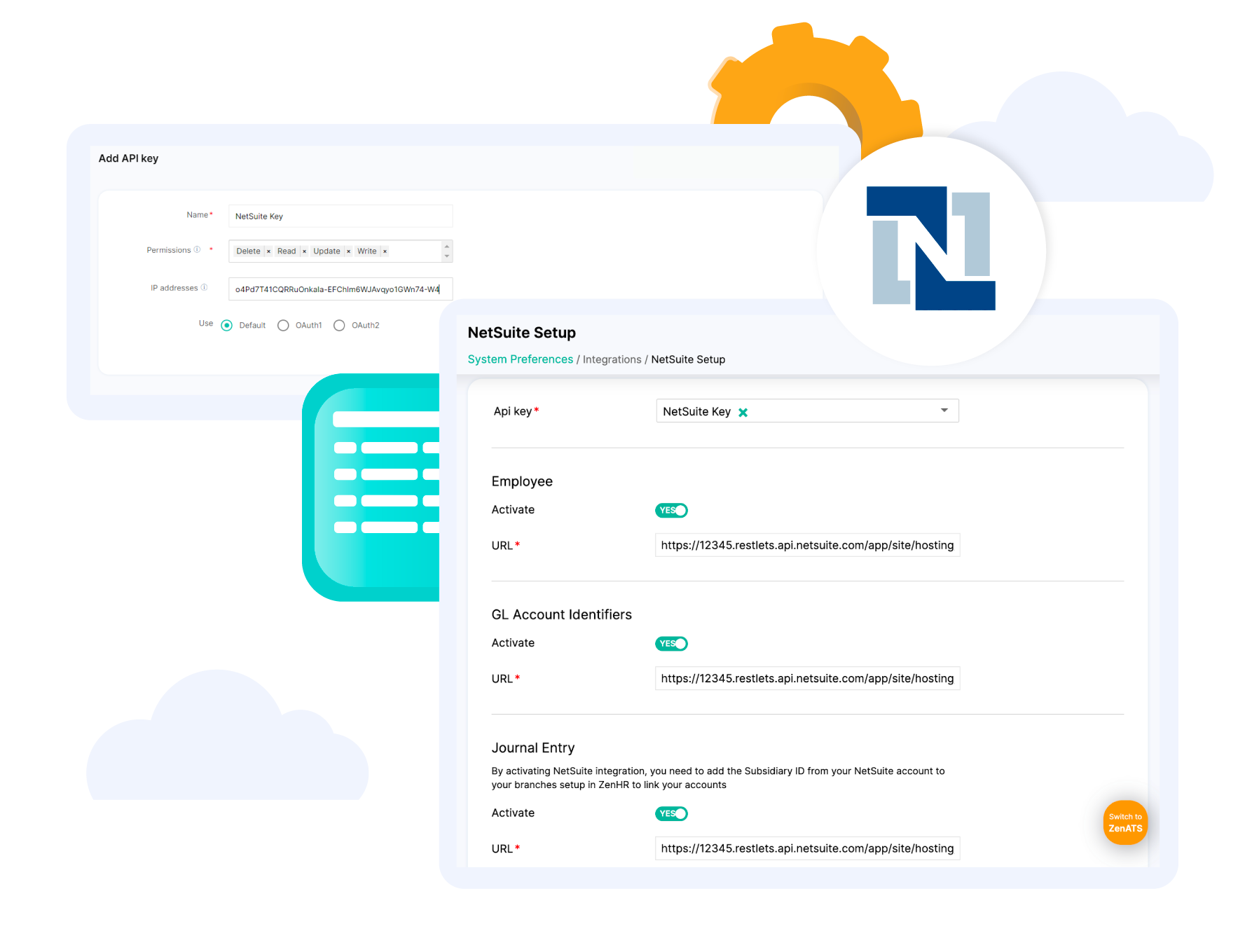

Sync GL accounts from NetSuite to ZenHR.
.svg)
Send payroll data as journal entries from ZenHR.
.svg)
Customize journals created on the organization and employee levels.

Store and transfer employee data and updates.
.svg)
Create off-cycle and provision journal entries.
In order to activate NetSuite’s native integration on ZenHR, you first have to generate the needed API keys to proceed with the integration process.

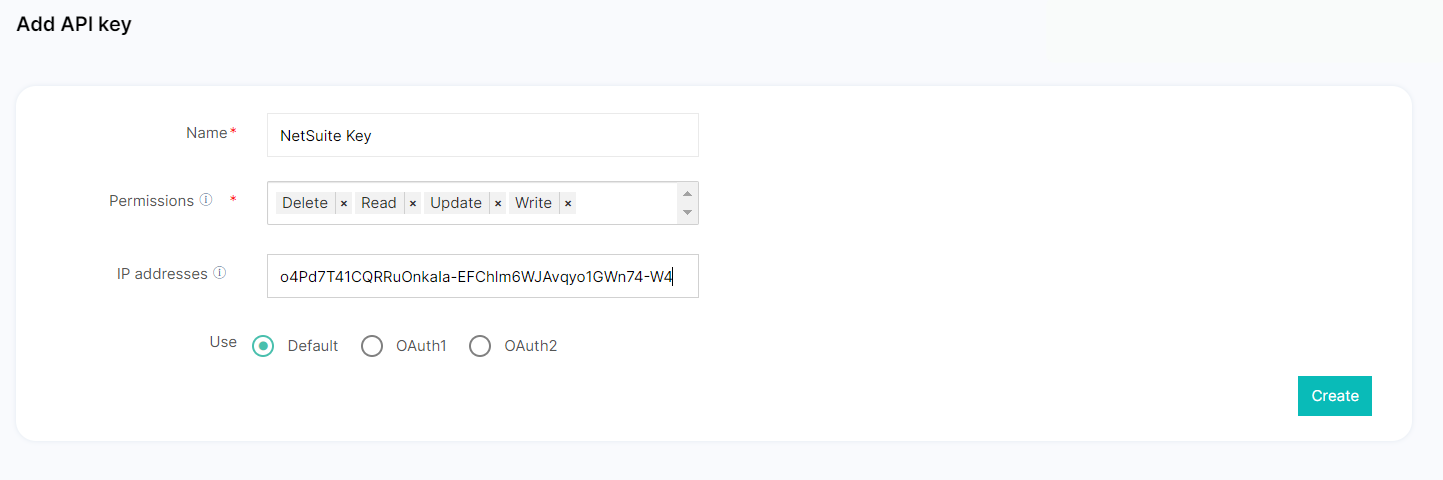

To change the Authorization Realm field in NetSuite go to Setup > Company > Company information > Account ID.


Then you will be able to set up the way that your salaries journal will be created and how the voucher will be matched, with the following options:
To link your branch to the correct NetSuite account:

To add Payroll GL Accounts:

To add Financial Transactions GL Accounts:

To add Loans GL Accounts:
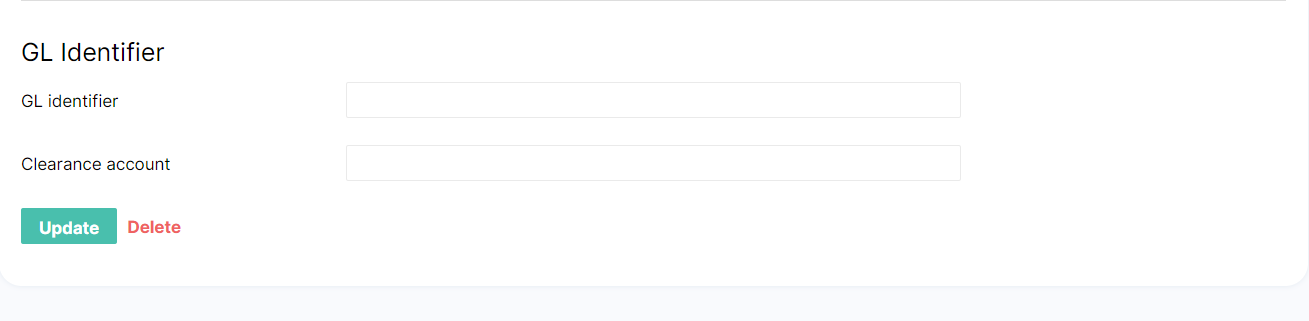
To add Overtime GL Accounts
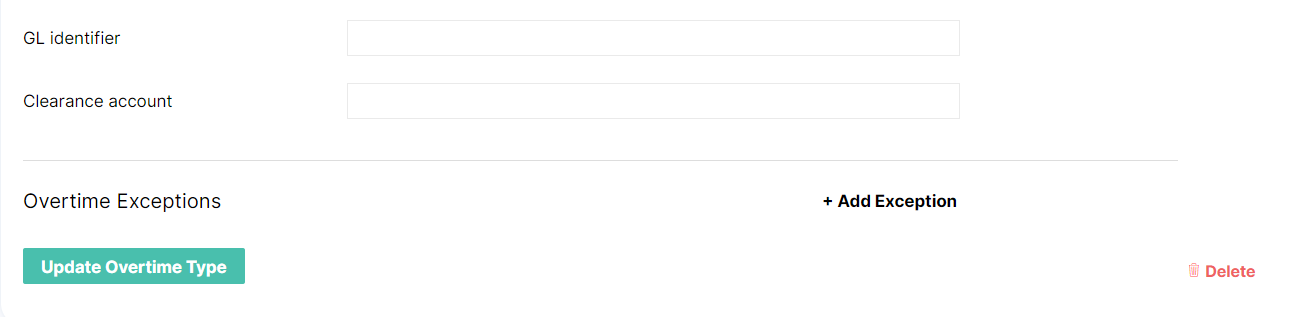
That’s it; your NetSuite integration will now be complete!
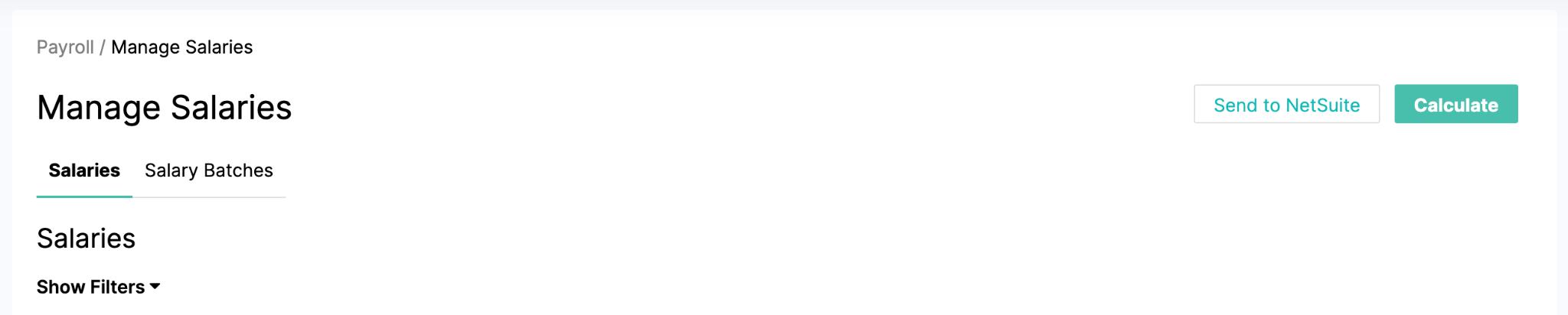
Now that you’ve successfully integrated NetSuite with your ZenHR account, you can now post salaries from ZenHR to Netsuite.

In order to activate NetSuite’s native integration on ZenHR, you first have to generate the needed API keys to proceed with the integration process.
To change the Authorization Realm field in NetSuite go to Setup > Company > Company information > Account ID.
Then you will be able to set up the way that your salaries journal will be created and how the voucher will be matched, with the following options:
To link your branch to the correct NetSuite account:
To add Payroll GL Accounts:
To add Financial Transactions GL Accounts:
To add Loans GL Accounts:
To add Overtime GL Accounts
That’s it; your NetSuite integration will now be complete!
Now that you’ve successfully integrated NetSuite with your ZenHR account, you can now post salaries from ZenHR to Netsuite.
In order to activate NetSuite’s native integration on ZenHR, you first have to generate the needed API keys to proceed with the integration process.
To change the Authorization Realm field in NetSuite go to Setup > Company > Company information > Account ID.
Then you will be able to set up the way that your salaries journal will be created and how the voucher will be matched, with the following options:
To link your branch to the correct NetSuite account:
To add Payroll GL Accounts:
To add Financial Transactions GL Accounts:
To add Loans GL Accounts:
To add Overtime GL Accounts
That’s it; your NetSuite integration will now be complete!
Now that you’ve successfully integrated NetSuite with your ZenHR account, you can now post salaries from ZenHR to Netsuite.
In order to activate NetSuite’s native integration on ZenHR, you first have to generate the needed API keys to proceed with the integration process.
To change the Authorization Realm field in NetSuite go to Setup > Company > Company information > Account ID.
Then you will be able to set up the way that your salaries journal will be created and how the voucher will be matched, with the following options:
To link your branch to the correct NetSuite account:
To add Payroll GL Accounts:
To add Financial Transactions GL Accounts:
To add Loans GL Accounts:
To add Overtime GL Accounts
That’s it; your NetSuite integration will now be complete!
Now that you’ve successfully integrated NetSuite with your ZenHR account, you can now post salaries from ZenHR to Netsuite.